
Riverside Podcast Editing, From a Team That Records Its Own Show on Riverside
You record on Riverside. We turn the raw tracks into a finished audio and video episode, vertical clips, show notes and a published upload. We work inside your Riverside account or from a shared recording link, so it works on any Riverside plan, including the free one.
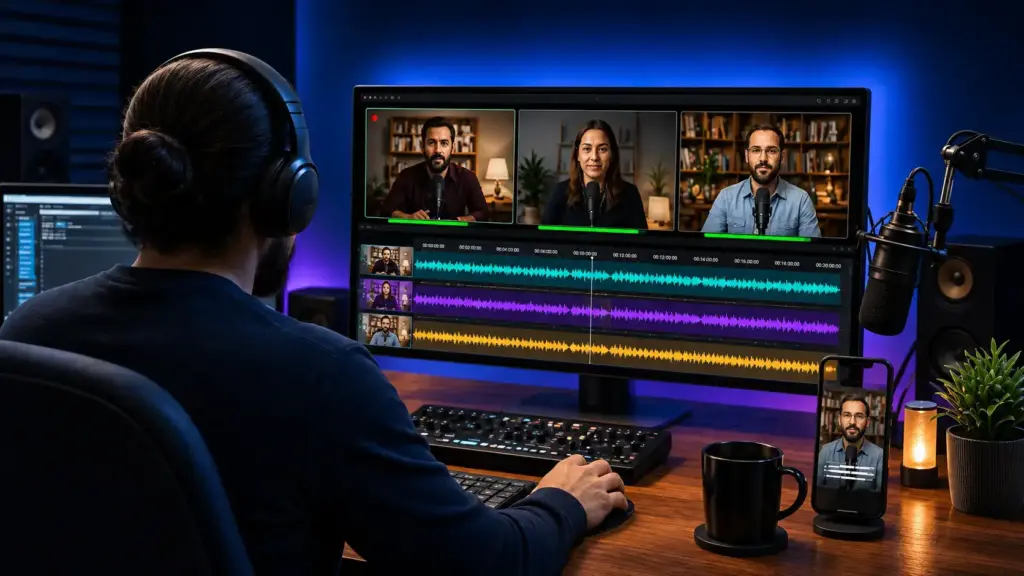
You already do the part only you can do: you book the guests, ask the questions and keep the conversation worth listening to. But a great conversation on Riverside isn’t a finished episode yet, and the work that turns one into the other decides how many people ever hear it.
That work never stops. It comes back after every recording, and it usually lands on the host or on whoever has a free evening. Release days slip, each new freelancer makes the show sound a little different, and a podcast that started strong quietly stalls.
That’s where Beyond Bracket comes in. You keep recording on Riverside the way you do now, and we take over the moment you hit stop. A dedicated editor learns your show and sends every episode back ready to publish, on the schedule you set. We record our own podcast on Riverside too, so we know the platform from both sides of the mic.


Why Editing Matters
Recording Is the Easy Part
Riverside solved remote recording: every guest is recorded locally on their own device, in up to 4K video and 48 kHz audio, on separate tracks. What it can’t do is decide what your episode should be.
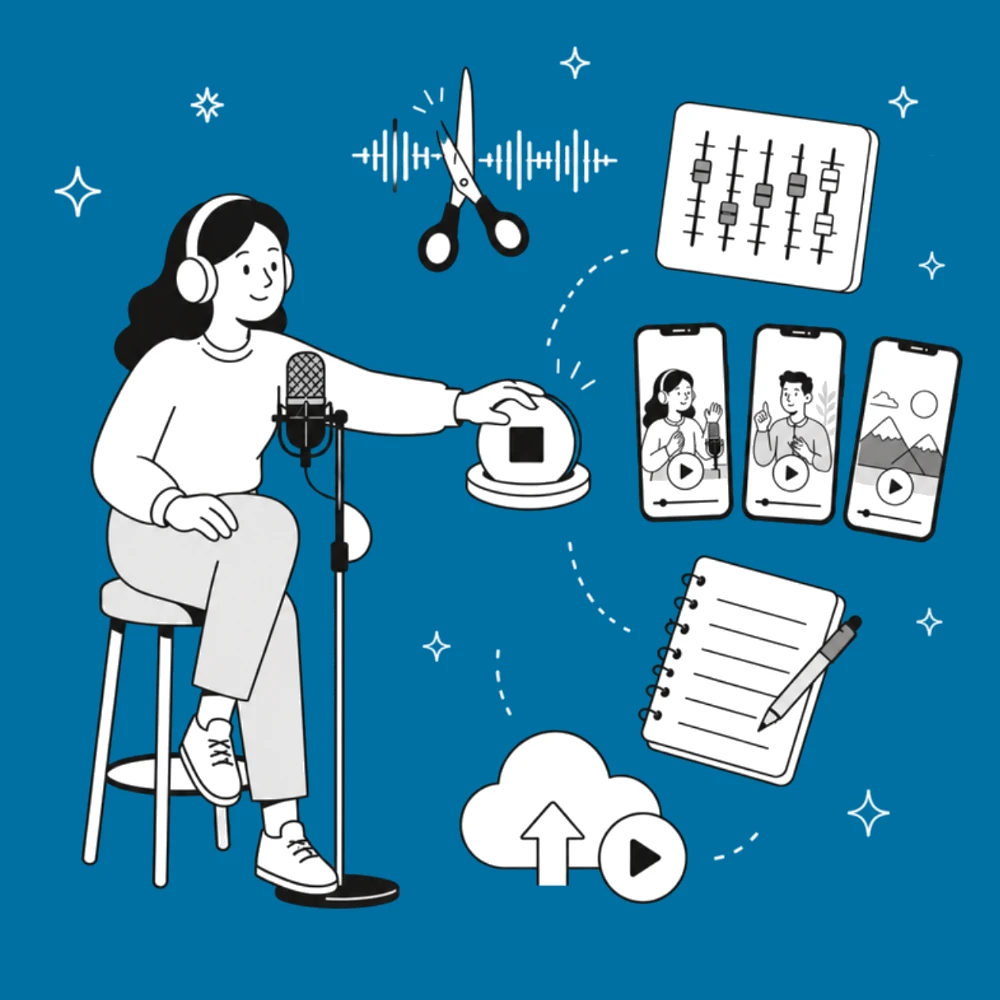
After every session, someone still has to:
- cut the slow start, the tangents and the “can we redo that?” moments
- clean up each speaker’s audio and switch camera angles at the right beat
- find the three or four moments worth turning into Shorts and Reels
- write the title, show notes and description, then publish everywhere
Editing by hand usually takes two to four times the length of the episode itself. Hiring a studio, crew and in-house editor costs far more. We sit in the middle: you keep recording remotely on Riverside, and we do the rest for a monthly or per-episode fee.
We Offer
What We Do With Your Riverside Recordings
Every episode comes back ready to publish, in audio and video, edited by a person who listened to the whole conversation.
Story Edit
We remove false starts, dead air, tangents and retakes, and keep the conversation flowing.
Audio Cleanup
Noise and echo reduction, level matching between speakers, filler-word and long-pause removal, loudness set for Spotify, Apple and YouTube.
Multicam Video
Speaker switching, layouts, colour balance, lower thirds for guest names, your intro and outro.
Captions and Chapters
Accurate captions from Riverside’s transcript, checked by an editor, plus YouTube chapters.
Deliverables
Every episode arrives ready to upload: an MP3 or WAV for Spotify and Apple Podcasts, a 1080p or 4K MP4 for YouTube, and the project files, so the work stays yours.
Other Recording Tools Too
We edit in Riverside’s own editor when that’s fastest, and in Adobe Premiere Pro and Audition when the episode needs more control. Zoom, SquadCast, StreamYard and local camera recordings work too.
Your Riverside Plan
Works on Any Riverside Plan
You don’t need to upgrade to work with us. How we get your recordings depends on your plan.
| Your Riverside plan | How we get your recordings | Notes |
|---|---|---|
| Free | You share the recording link, or download the separate tracks and drop them in our shared folder | We tell you exactly which files to download; no plan change needed. Riverside’s free plan records in up to 720p and adds its watermark, so it suits a test episode more than a weekly show. |
| Pro, Grow or Webinar | Add us with an editor seat (a paid Riverside add-on), or share the recording link | With a seat we edit, export and publish to YouTube inside your account |
| Business | Invite us as an Editor (free on this plan), or as a Director for productions we run | Best fit for teams with several shows |

You stay the owner
On every plan, your recordings, plan and podcast hosting stay in your name, and you can remove our access at any time.
How to Add Us as an Editor
Pro, Grow, Webinar and Business plans
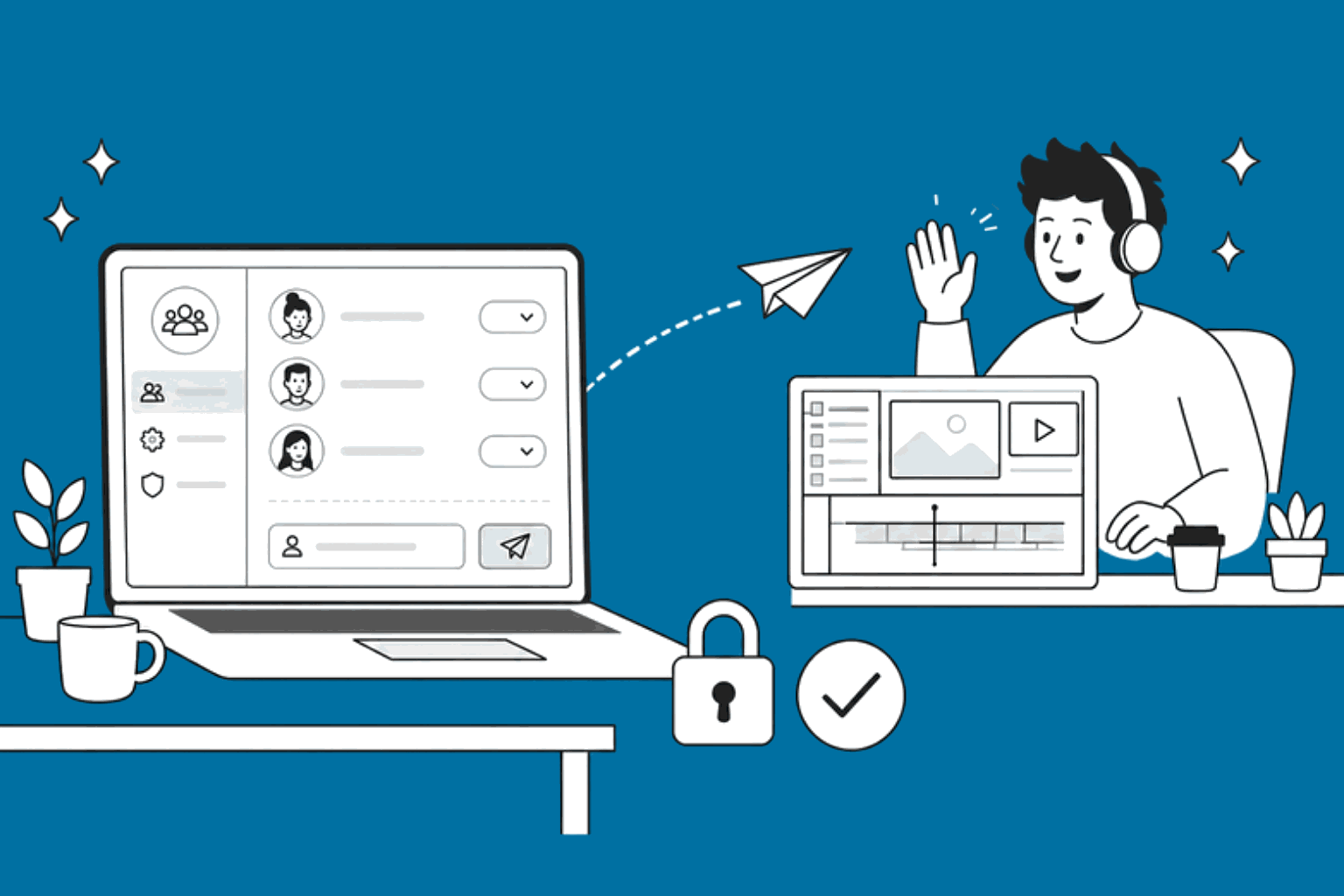
- In Riverside, click your account menu at the bottom left, then Settings.
- Under Team, click Members, enter support@beyondbracket.com and click Invite.
- On Pro, Grow or Webinar, Riverside asks you to unlock a paid editor seat. On Business, editors are free.
- On Business, choose the productions we should see.
- Send us the episode notes: cuts you want, guest names, links to mention.
Riverside doesn’t allow editor invites during a Pro free trial. Until the trial ends, just share the recording link.
What’s the Difference?
Two Ways to Work With Us
Choose Editing if you’re happy running your own sessions. Choose Remote Production if you want someone in the room with you.
| Compare | Riverside Editing | Remote Podcast Production |
|---|---|---|
| Best for | Hosts who record on their own and want the edit off their plate | Shows with busy hosts, nervous guests or a brand to protect |
| Before the session | Nothing; you record as usual | Guest prep email, mic and lighting check, run-of-show |
| During the session | Not present | We join as producer: monitor every track, catch audio drops and upload issues, keep time |
| After the session | Full audio and video edit, captions, chapters | Everything in Editing, plus clips and publishing included |
| Turnaround | From 24 to 72 hours, agreed per show | Fixed weekly schedule |
| Riverside plan | Any plan | Business, which includes Riverside’s producer mode |
Producer mode means we’re in the studio without being recorded, so only you and your guests end up in the recording.
Not sure which one fits?
Tell us about your show and we’ll suggest the right setup
Add-Ons
Add-Ons That Get the Episode Seen
A finished episode only matters if people find it. Add any of these to either plan.
Short-Form Clips
3 to 10 vertical clips per episode, with captions timed to the speech, for Shorts, Reels, TikTok and LinkedIn. This is the same work we do daily for Eric Siu’s shows; see our Podcast Clipping service.
Show Notes and Transcripts
A summary, key takeaways, timestamps and guest links, plus a cleaned transcript you can post as a blog page.
Thumbnails and Audiograms
YouTube thumbnails designed to be clicked, and audiogram cards for audio-only platforms.
YouTube Publishing
Title, description, tags, chapters, end screens and scheduled upload, from your Riverside account or your YouTube Studio. Want help growing the channel too? See YouTube Channel Management.
Why Choose Us
Riverside’s AI Tools or a Human Editor?
Use both. Riverside’s AI handles the mechanical first pass well; an editor makes the calls that decide whether people keep watching. We use the AI tools ourselves, then edit on top of them.
| Task | Riverside AI alone | With our editor |
|---|---|---|
| Transcript and captions | Fast and mostly accurate | Names, jargon and timing checked by a person |
| Audio cleanup (Magic Audio) | Good on decent mics | Fixes the hard cases: echoey rooms, a guest on laptop audio |
| Removing filler words | Removes them by rule | Keeps the pauses that land a joke or a point |
| Clips (Magic Clips) | Suggests moments by pattern | Picks the clip a stranger will stop scrolling for, and writes its hook |
| Story and structure | Makes the cuts you ask for | Cuts tangents, reorders a cold open, tightens a slow first five minutes |
| Show notes | Generic summary | Written for your audience, with links and timestamps |
If your show is a quick internal update, Riverside’s AI may be enough on its own. If the episode represents your brand, it’s worth a person’s judgement.
Our Own Show
We’re Podcasters Too
We don’t just edit Riverside recordings; we make our own. Our founder, Samsuzzaman Riton (Sam), hosts Beyond Business, a remote interview podcast recorded, edited and published with Riverside.
I host Beyond Business from Dhaka and record guests across the world on Riverside. Every episode goes through the same workflow we run for clients: local recording, an edit in Riverside and Premiere, clips, then publishing to YouTube. When a client asks how to handle a guest’s bad connection or a tricky multicam, we’ve usually already solved it on our own show.

Client Reviews
More Proof
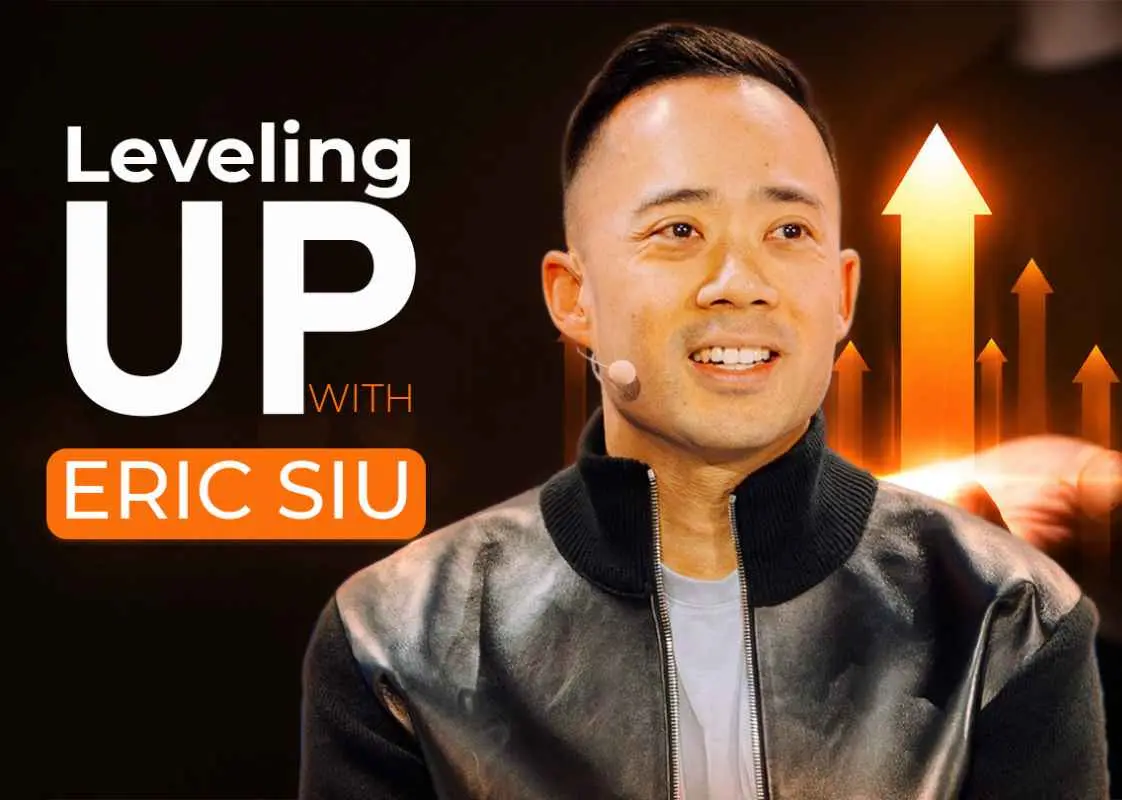
Podcast Clipping Case Study
Eric Siu, Marketing School and Leveling Up
We run the daily podcast clipping behind both shows.
Riverside Directory Listing
Beyond Bracket is listed in the Riverside Professional Directory.

Beyond Bracket team edits and publishes every video on my channel and even handles the SEO. Reliable, quick turnaround, and I’ve never missed an upload since we started.
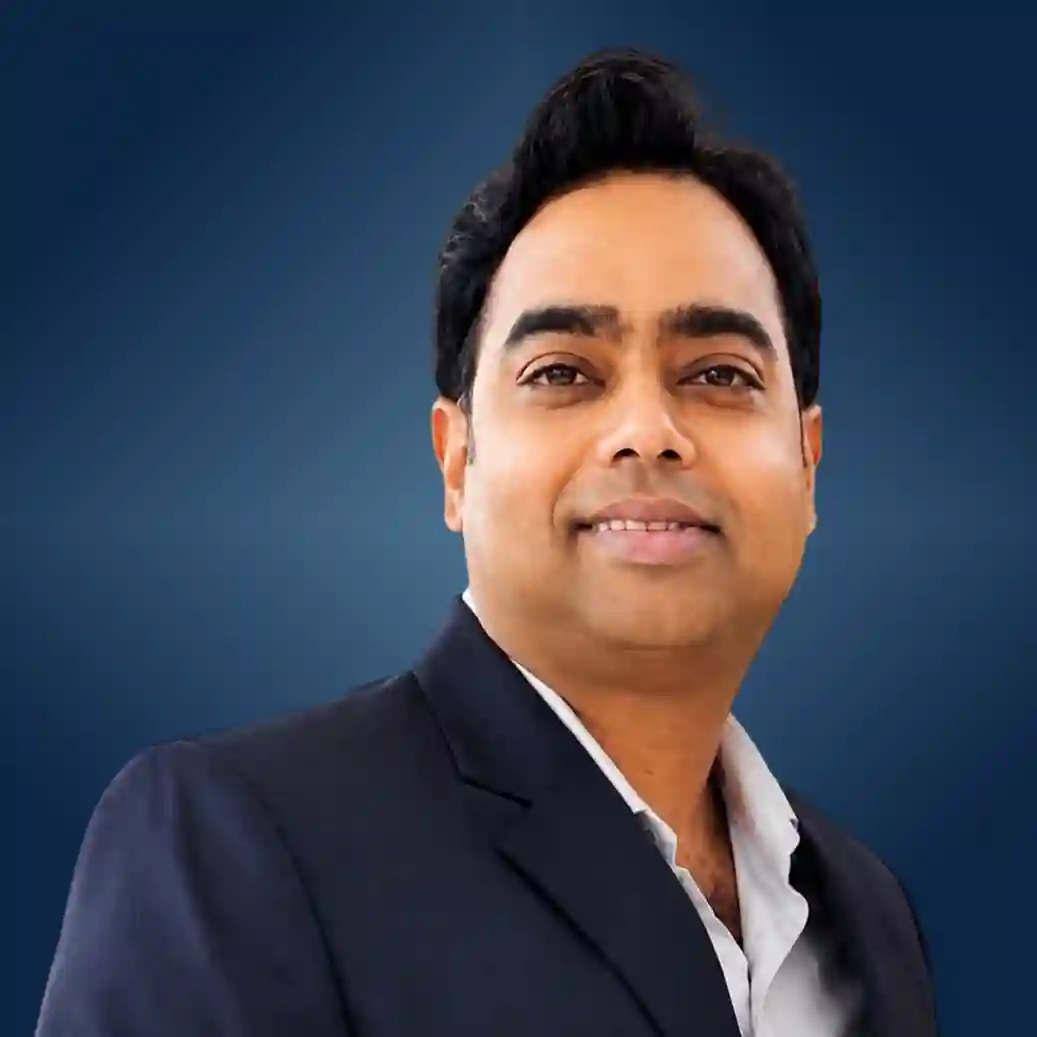
Good team to work with for video production. They have created different videos for our poultry, fish and cattle feed products. The videos look professional and they understand how to explain our products in a simple way.

We’ve worked with Beyond Bracket for social ads, graphic design, and video. The team is responsive, understands our brand, and delivers consistently. We continue working with them and recommend them for reliable digital marketing and creative support.

EngFinite Learning, Language School
How We Work
How It Works
First edited episode within a week
Most shows have their first edited episode back within a week of the first call.
Who It’s For
Built for Shows Recorded on Riverside
Interview Podcasts
Founder and CEO Shows
B2B and Company Podcasts
Agencies Running Client Shows
Coaches and Educators
Video Podcasts on YouTube
Remote Panel Shows
Teams With Several Shows
Our Team
Meet the Team Behind Your Episodes


Our Pricing
Riverside Podcast Editing Pricing
Pay per episode to test the fit, or pick a monthly plan sized by editor hours.
Starter
For shows getting started
- 40 editor hours a month
- About 2 to 3 episodes plus clips
- 2–3 business day turnaround
- Dedicated editor and project manager
- Unlimited revisions
$750
/Month
Standard
For a weekly show
- 80 editor hours a month
- A weekly show with clips and show notes
- 1–2 business day turnaround
- Dedicated editor and project manager
- Unlimited revisions
$1,500
/Month
Premium
For high-volume shows and networks
- 160 editor hours a month
- A dedicated full-time editor
- 24-hour turnaround
- Dedicated project manager
- Unlimited revisions
$2,500
/Month
Remote Production
Live producer in each session plus the Standard edit package. Runs on Riverside Business, which includes producer mode.
Single episode
- One full episode, up to 60 minutes
- Edited in audio and video
- Captions included
- A low-risk way to test the fit
Dedicated editor
Unlimited revisions
Licensed music
Project files included
15-day money-back guarantee
Find Answers
Frequently Asked Questions
1. Do I need a paid Riverside plan to work with you?
No. On the free plan you share the recording link or the downloaded tracks. On Pro, Grow or Webinar you can add us with an editor seat, a paid Riverside add-on; on Business, adding an editor is free.
2. Will you have access to my whole Riverside account?
No. Riverside’s editor role covers post-production only: we can view, edit and export recordings and publish to YouTube, but we can’t invite guests or change studio settings. On Business, you also choose which productions we see. You can remove us anytime.
3. How much does Riverside podcast editing cost?
A single episode is $250 (up to 60 minutes, with captions) so you can test the fit. Monthly plans are $750 for 40 editor hours, $1,500 for 80 hours and $2,500 for 160 hours with a full-time editor. Every plan includes unlimited revisions and a 15-day money-back guarantee.
4. How fast will I get my episode?
Usually 24 to 72 hours, depending on length, video and add-ons. Weekly shows get a fixed delivery day.
5. Can you edit recordings that weren’t made on Riverside?
Yes. We also edit Zoom, SquadCast, StreamYard and local camera recordings. Riverside is simply where we work most.
6. Can you publish to Spotify, Apple Podcasts and YouTube?
Yes. We publish to YouTube directly, and to podcast apps through Riverside’s hosting or your current host, such as Buzzsprout or Transistor.
7. Who owns the files?
You do. Recordings stay in your Riverside account, and we hand over the edited files and project files with every delivery.
8. Can you produce live sessions in my time zone?
Yes. Our team works from Dhaka and New York, so we can cover most US, UK, European and Asian recording times.
9. Are you listed in Riverside’s directory?
Yes. Beyond Bracket is listed in the Riverside Professional Directory, which Riverside provides to help its users find editors and other podcast service providers. See our listing.
Let's Have A Quick Call
Book a meeting or call us today to talk about your show. Let’s turn your Riverside recordings into finished episodes!

Samsuzzaman Riton
Founder & CEO
At Beyond Bracket, our work strategy is highly client-focused. We begin by conducting in-depth client meetings to thoroughly understand their requirements and objectives.